
Använd i butik
Så använder du presentkortet i butik
Lägg Glede-kortet i Apple Wallet eller Google Wallet och betala kontaktlöst i över 50 miljoner butiker världen över. Klart på under en minut.
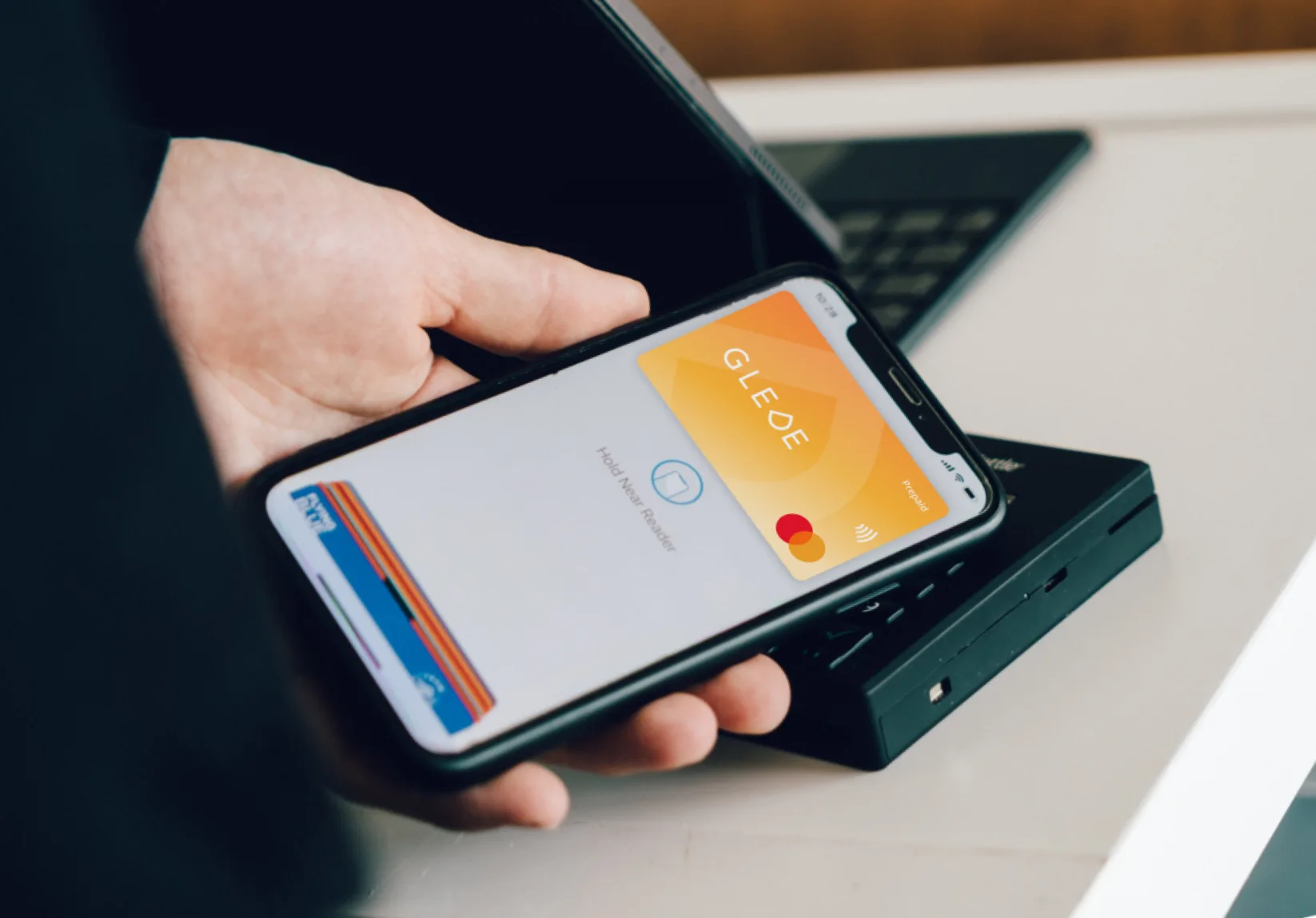
Payment with
Apple Pay
50M+ stores
Överallt med Mastercard
Steg för steg
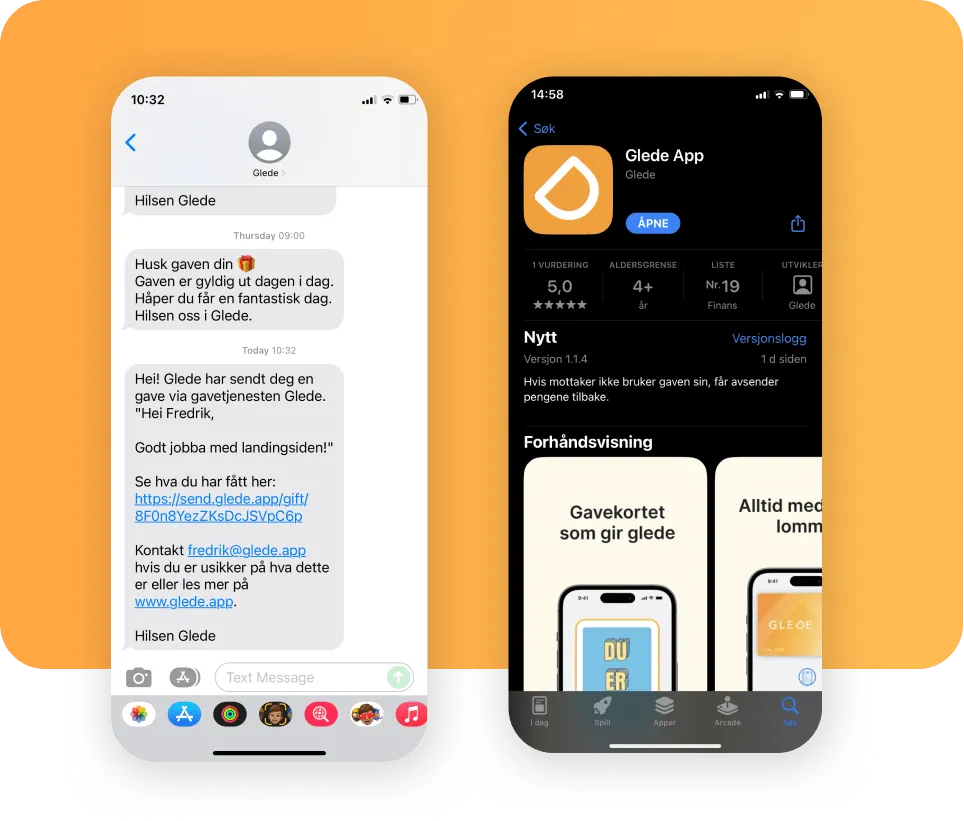
Step 01
Download Glede app
Öppna den digitala gåvan du har fått via e-post eller SMS och ladda ner Glede-appen. Där hittar du ditt Glede-kort.
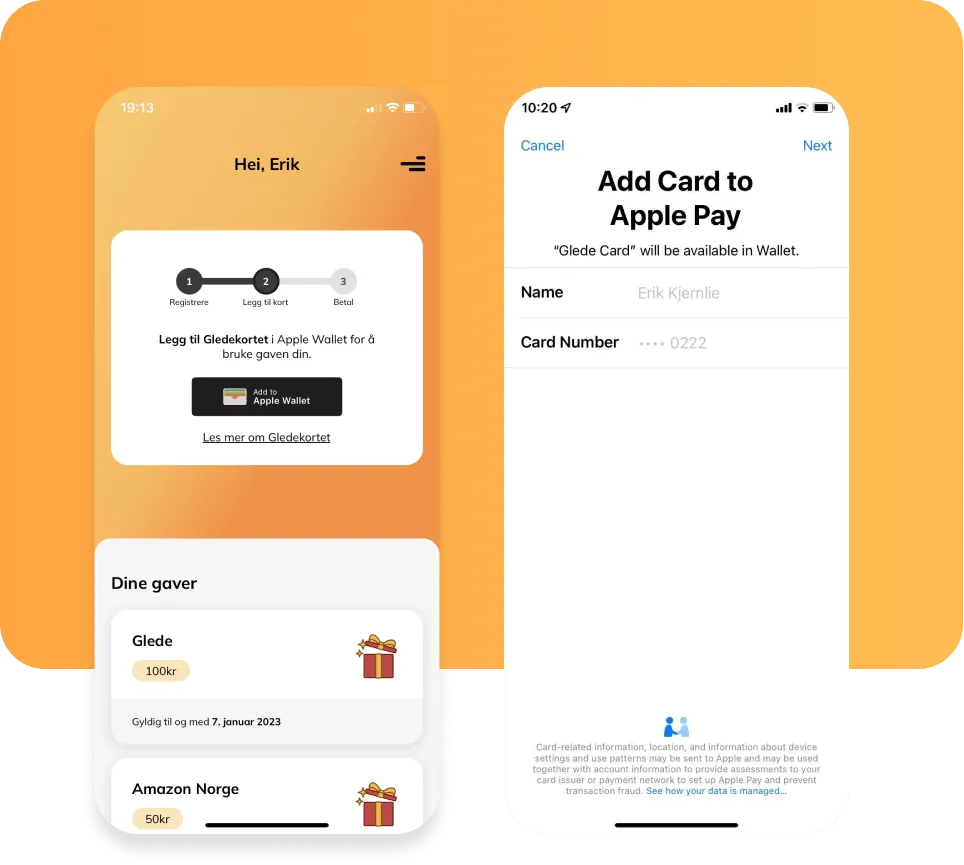
Step 02
Lägg till Glede-kortet i Apple Wallet
Tryck på knappen "Add to Apple Wallet" för att lägga till Glede-kortet i din plånbok. Följ instruktionerna och godkänn villkoren.
Läs mer om Apple Wallet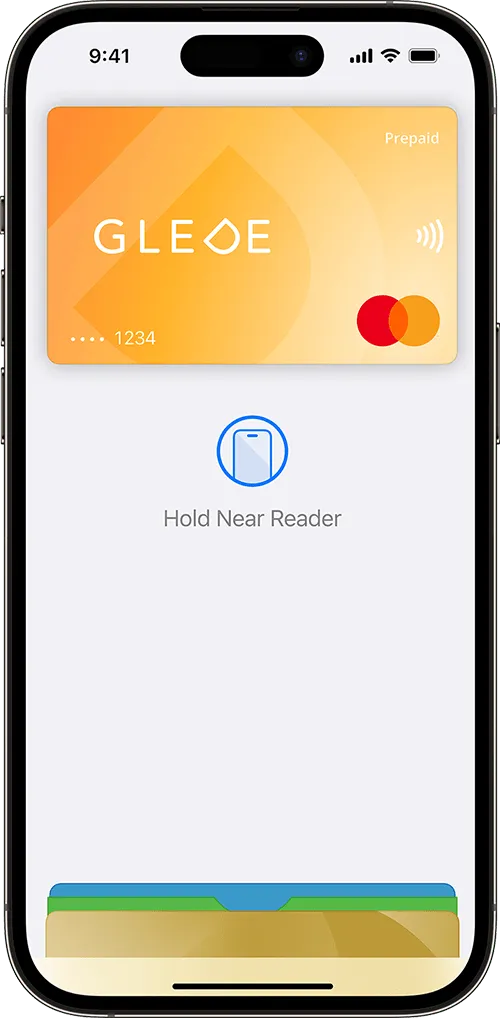
Step 03
Pay with Apple Pay
På iPhone dubbeltrycker du på sidoknappen eller Hem-knappen, autentiserar med Face ID, Touch ID eller din kod, och håller sedan enheten mot kortläsaren för att betala. På Apple Watch dubbeltrycker du på sidoknappen och håller enheten mot kortläsaren.