
Now your iPhone is your wallet
Forget your wallet. With Apple Pay you can pay with Glede -card right from your iPhone or Apple Watch — in store, online or in apps.
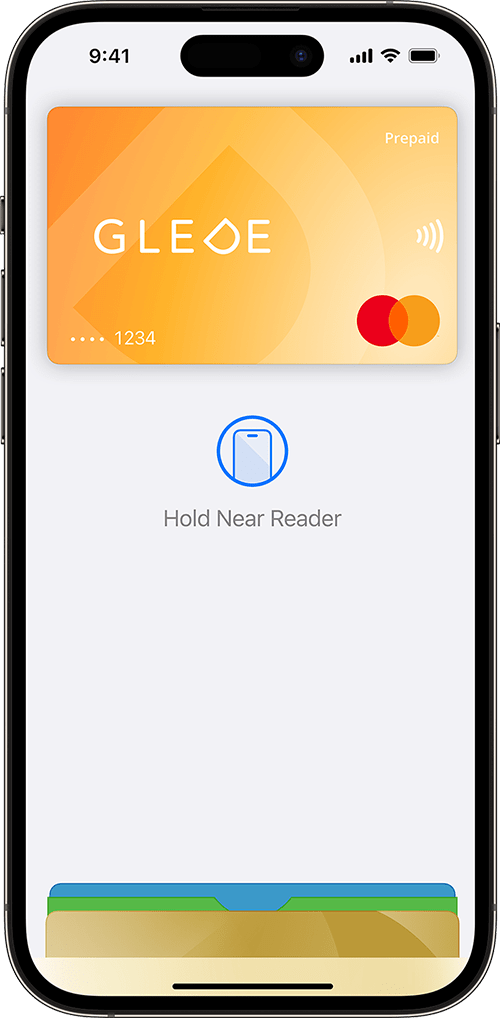
Safer and easier —
Apple Pay is designed so that only you can authorize payments. Your card information stays on your device, not with the store, and it's all about two-second contactless verification with Face ID or Touch ID.
Forget your wallet
Leave your wallet at home. With Apple Pay you pay with Glede card right from your iPhone or Apple Watch — everywhere contactless payments are accepted.
Extra security, built-in
Apple Pay uses the built-in security features on your Apple device, including Face ID and Touch ID — both designed so that only you can authorize payments.
Pay online and in apps
With Apple Pay, your name and address are automatically filled in at checkout. Now payment is faster than ever — just look for the Apple Pay symbol and tap the button.
Add Glede card in Apple Wallet in seconds
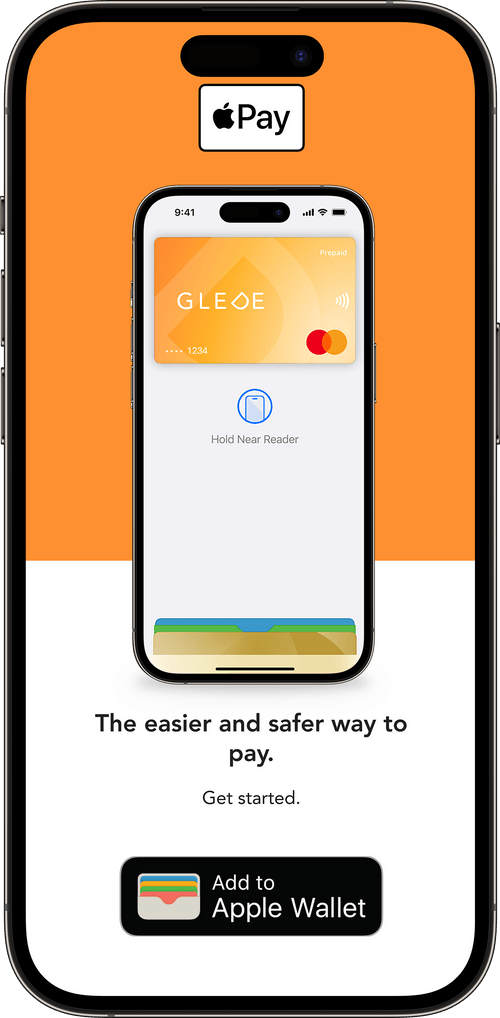 1
1Open Glede app
Open Glede app and tap the "Add to Apple Wallet" button on your gift card.
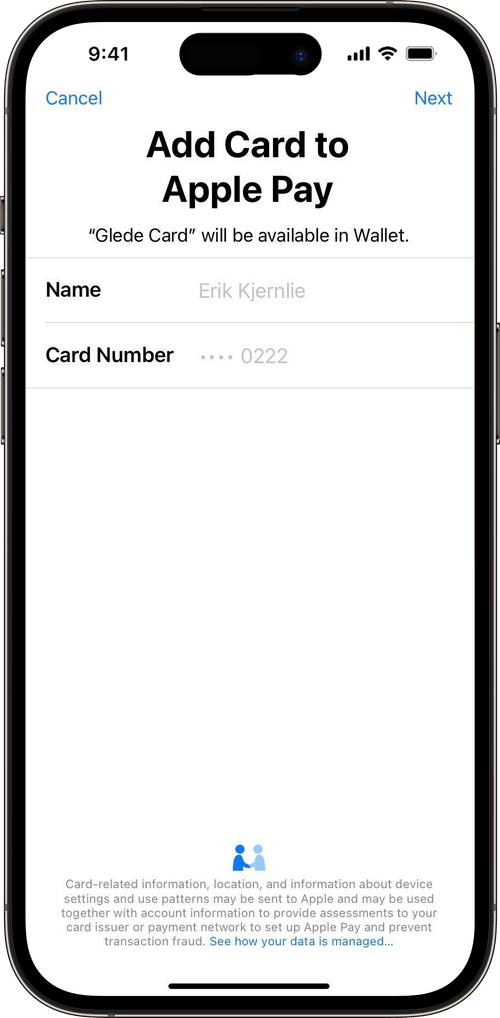 2
2Follow the instructions
Follow the instructions to add Glede card in Apple Wallet. It takes less than 30 seconds.
- 3
Pay with your iPhone or Apple Watch
You will now find Glede card in Apple Wallet. On iPhone, double-click the side button, authenticate with Face ID or Touch ID, and hold your phone up to the card reader. On Apple Watch, double-click the side button and hold your watch up to the card reader.
About Apple Pay and Glede
Apple Pay lets you pay with your phone or other compatible Apple devices like your iPhone, Apple Watch, or iPad. You can use Apple Pay in stores, online, and in apps that support the service. Your cards are stored digitally in Apple Wallet.
Learn more about Glede -the gift card
Ready to try Glede ?
Create an account and send your first gift card in under five minutes. No setup fee, no commitment period.