How to use Google Wallet
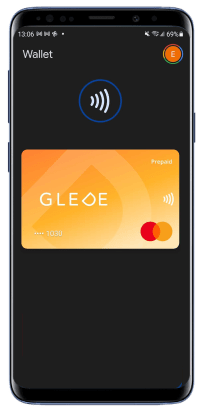
Use the gift card you have received by tapping the Glede card on the merchant card terminal. Add the card to Google Wallet on your Android phone and pay contactlessly.
Fast, safe,
Google Wallet turns your gift card into a regular payment card in your pocket. Card details stay secured on the device, and you confirm every payment with fingerprint, face recognition or your personal code.
Contactless payment
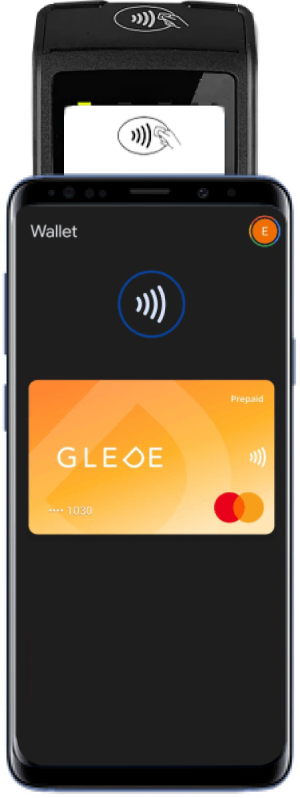
Hold the phone over a contactless terminal and the payment goes through automatically. No app to open, no code to type — just a quick tap.
Safety built in
The card is unlocked with personal code, fingerprint or face recognition. Only you can authorise a payment, and the card number itself is never shared with the shop.
Works everywhere
Since Glede is a Mastercard gift card, it works anywhere Mastercard contactless payment is accepted — in store, restaurants, public transport and online shops.
Add the Glede card to Google Wallet in seconds
 1
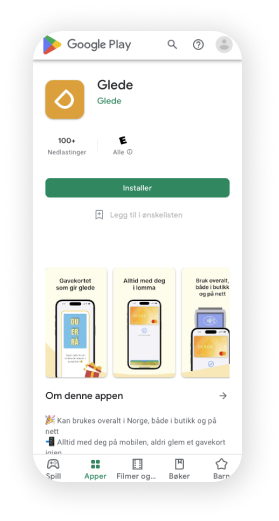
1Download the apps
Download the Glede app from the Google Play Store. Download the Google Wallet app if you do not already have it.
 2
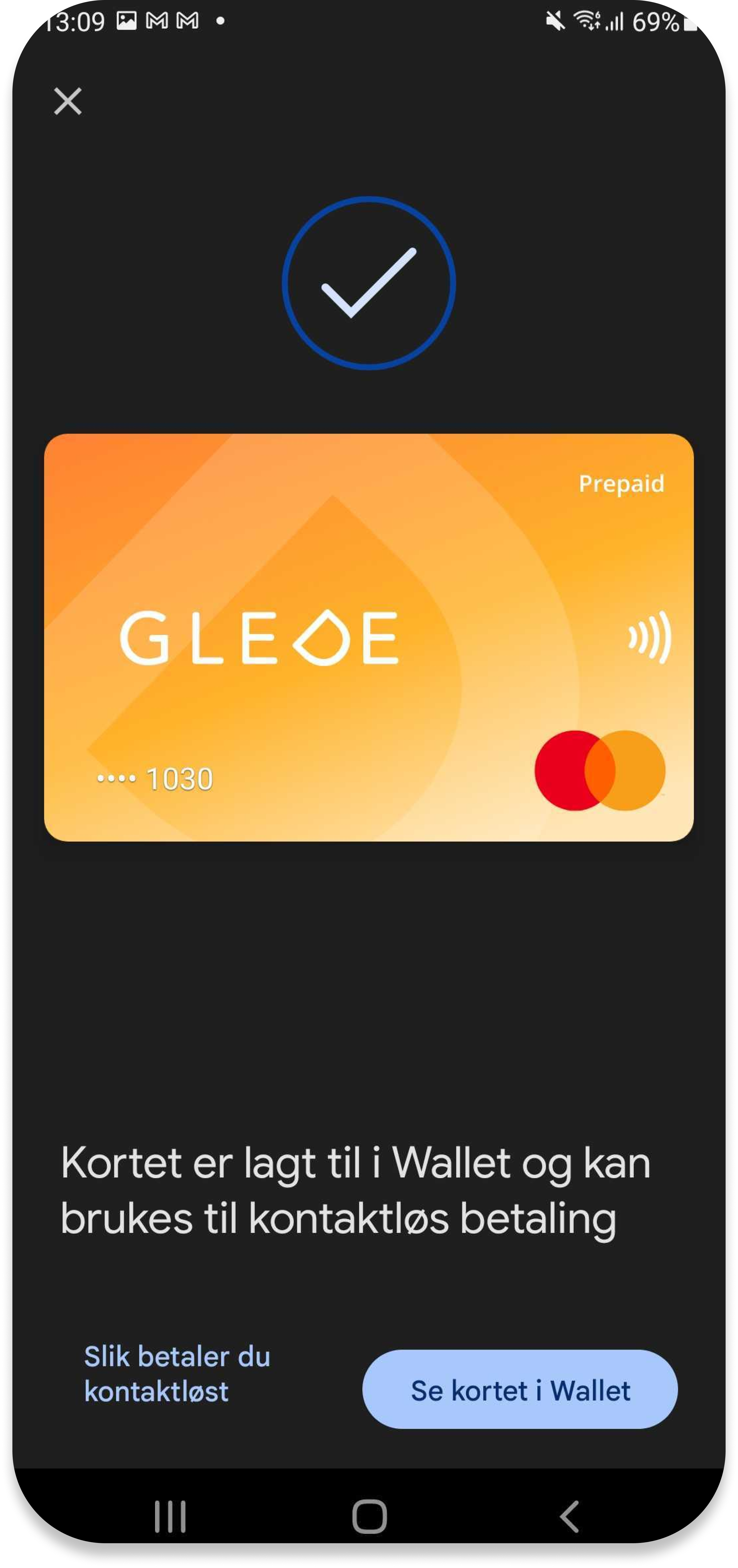
2Add to Google Wallet
Tap "Add to Google Wallet" in the Glede app, accept the terms and confirm with the one-time code sent to you by SMS. You only do this the first time.
 3
3Pay contactlessly
Unlock the phone with code, fingerprint or face recognition. Set the Glede card as the default card if you have several cards in Wallet, and hold the phone over a contactless terminal — the payment goes through automatically.
About Google Wallet and Glede
Glede is currently only for businesses. We must follow strict anti-money-laundering rules, so private users are referred to our personal gifting service Hygge.
Learn more about the Glede gift card
Ready to try Glede?
Create an account and send your first gift card in under five minutes. No setup fee, no lock-in.